
Digital Business Cards for Small Businesses: A Practical Guide
How small businesses use digital business cards to cut costs, track networking, and stay current. Setup guide, cost comparison, and real use cases.
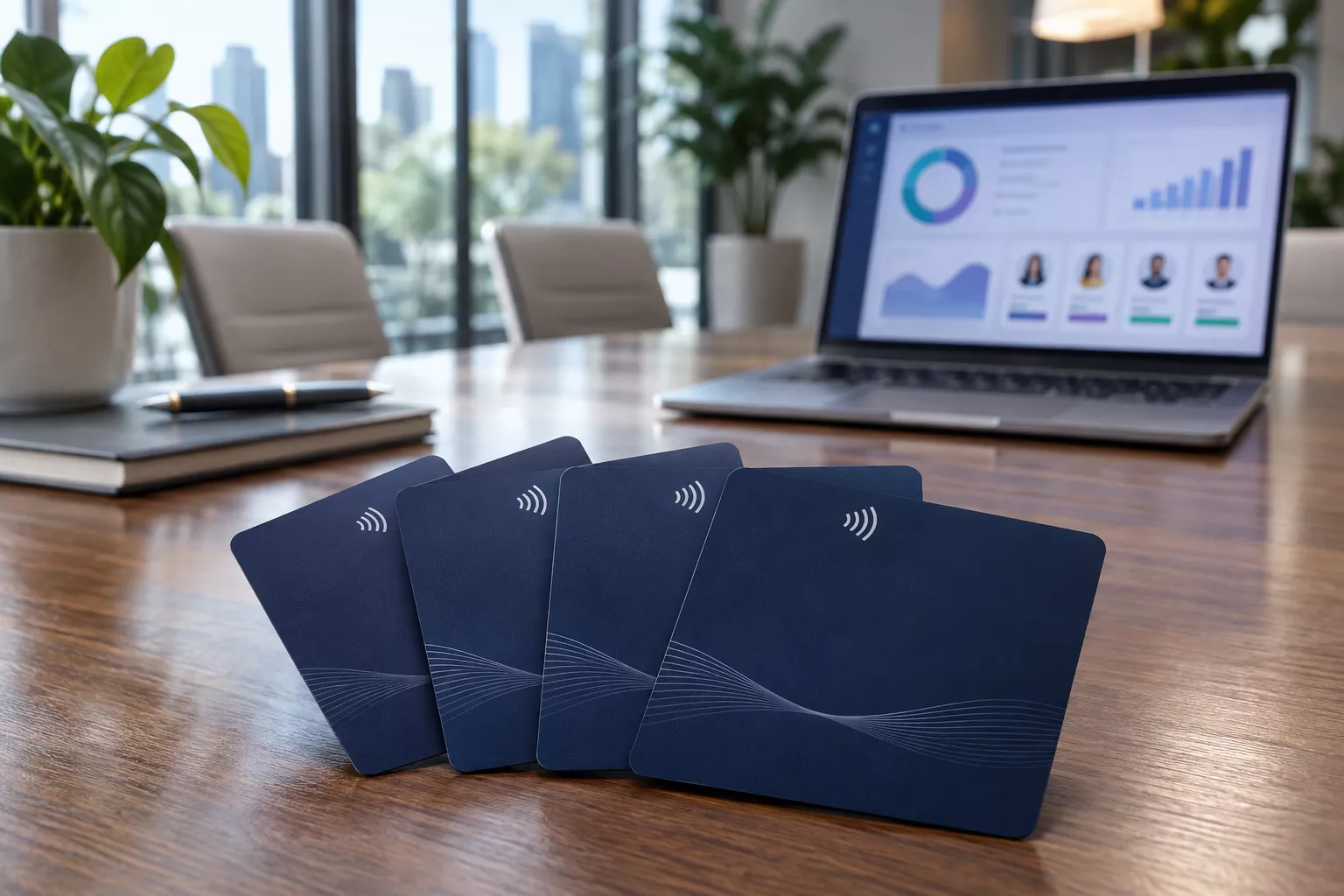
A digital business card for small business is a shareable web profile that holds your company's contact details, team member information, social links, and booking pages in one URL. You share it via a link, QR code, or NFC tap. The recipient opens it in their phone browser — no app needed on either side.
For small businesses, the main advantage over paper cards is not just cost — it is that every team member's card stays current without reprints, every share is trackable, and the investment scales from one person to fifty without multiplying printing costs.
37% of small businesses have already adopted digital business cards, and SMBs account for roughly 54% of global digital business card adoption. This guide covers why digital cards make sense for small businesses specifically, what they cost compared to paper, how to set them up, and the practical limitations to expect.
Why Small Businesses Switch to Digital
Small businesses face constraints that make paper cards particularly wasteful:
Frequent information changes. Small businesses rebrand, change phone numbers, move offices, and update team roles more often than large corporations with stable infrastructure. Every change makes existing paper cards obsolete. A digital profile updates instantly — no reprint, no waste, no delay.
Tight budgets. The true cost of paper business cards is approximately $64 per employee per year once you include design, printing, reprints after changes, and shipping. For a 25-person small business, that is roughly $1,600 per year. A digital business card is free to create and maintain.
No marketing department. A five-person company typically does not have a dedicated marketing team managing print orders, enforcing brand templates, and coordinating card designs. Digital cards let each person manage their own profile through a simple dashboard while keeping a consistent look via shared themes.
Every contact matters. Networking drives 77% of new client acquisition for small businesses. When you cannot afford to lose a single lead, knowing that 88% of paper cards are thrown away within a week is a problem worth solving. Digital cards keep your contact details accessible and trackable.
Cost Comparison: Digital vs. Paper for Small Businesses
| Paper Cards (per employee/year) | Digital Business Card | |
|---|---|---|
| Initial design | $50–$150 (logo placement, layout, proofing) | $0 — choose a theme from your dashboard |
| First print run | $20–$50 for 250–500 cards | $0 — profile is free |
| Reprints | $20–$50 per change (title, phone, address) | $0 — update the profile in seconds |
| Annual cost per person | ~$64 (design + prints + reprints + shipping) | $0 (digital only) or ~$25 one-time (NFC card) |
| 5-person team, Year 1 | ~$320 | $0–$125 |
| 5-person team, 3 years | ~$960 | $0–$125 (NFC cards are one-time) |
| 25-person team, Year 1 | ~$1,600 | $0–$625 |
The savings compound over time. Paper costs recur with every reprint. Digital costs are one-time (if you buy NFC cards) or zero (if you use digital-only sharing).
What a Small Business Can Put on a Digital Card
A digital business card is not limited to name, title, and phone number. For small businesses, the profile becomes a lightweight landing page for each team member:
Contact Essentials
- Full name, job title, company name
- Email address and phone number
- Office address or service area
Business Links
- Company website
- Booking or scheduling link (Calendly, Acuity, Square Appointments)
- Online store or product page
- Google Maps location for walk-in businesses
Social Profiles
- LinkedIn (company page or individual)
- Instagram, Facebook, TikTok — whichever platforms you use for marketing
- YouTube channel for businesses that publish video content
- Google Business Profile link
Trust Builders
- A professional headshot or team photo
- A short bio describing what the business does
- Portfolio or case study links for service businesses
Payment and Messaging
- Venmo, PayPal, or Cash App for service businesses that take direct payments
- WhatsApp or Telegram for businesses that communicate through messaging
The key is to curate. A focused card with 5–8 relevant links outperforms one with 15 links that scatter attention. Read How to Create a Digital Business Card for a step-by-step guide on choosing what to include.
Use Cases by Small Business Type
Service Businesses (Plumbers, Electricians, Cleaners, Consultants)
What to share: Phone number, booking link, service area, Google Business Profile, reviews link.
How to share: NFC card for on-site visits and local networking. QR code on invoices, service vehicles, flyers, and door hangers. Profile link in email signatures and Google Business Profile.
Why it works: Customers do not keep paper cards from service providers. A saved digital link means they can rebook or refer you to a neighbor months later.
Retail and Hospitality (Shops, Restaurants, Cafes, Salons)
What to share: Location map, menu or service list, Instagram, booking/reservation link, loyalty program link.
How to share: QR code printed on receipts, table cards, window stickers, and packaging. NFC card at the register or on a display stand.
Why it works: Customers scan once and have your business saved on their phone. When they want to reorder, rebook, or refer a friend, the link is already there.
Freelancers and Solo Consultants
What to share: Portfolio, LinkedIn, email, scheduling link, bio describing your specialty.
How to share: Profile link in your email signature, social media bios, and proposals. QR code on invoices and presentation slides. NFC card for client meetings and networking events.
Why it works: Your digital card doubles as a micro-portfolio. Instead of sending a PDF and a business card and a LinkedIn request, you send one link that contains everything.
Real Estate Agents
What to share: Phone, email, active listing links, scheduling link, office address, Instagram with property photos.
How to share: NFC card at open houses and client meetings. QR code on yard signs, flyers, and print ads. Profile link in email signatures and MLS profiles.
Why it works: Listings change constantly. A digital profile lets you swap featured properties without reprinting cards or flyers.
Professional Services (Lawyers, Accountants, Financial Advisors)
What to share: Email, phone, office address, firm website, scheduling link, LinkedIn.
How to share: NFC card for client meetings, referral partner lunches, and chamber of commerce events. Profile link in email signatures. QR code on letterhead and office signage.
Why it works: Professional services rely heavily on referrals. A digital card makes it easy for existing clients to forward your contact details to someone who needs your help — they share the link, not a description from memory.
Setting Up Digital Business Cards for Your Team
If you have more than one person sharing cards, here is how to keep things consistent:
For Teams of 2–5 People
- Each person creates their own profile at kobexa.com/signup.
- Agree on a consistent look — use the same theme and accent color so all team profiles match your brand.
- Standardize the link order — put the company website first, then individual email and phone, then social links. This creates a consistent experience for anyone who views a team member's card.
- Order NFC cards in the same color for brand consistency — available in the shop.
- Add profile links to email signatures so every outgoing email includes each person's digital card.
For Teams of 5–25 People
The same process applies, but coordination takes more effort. Assign one person to:
- Choose the team theme and color
- Create a brief guideline document (which links to include, what order, what bio format)
- Review each profile for consistency before distributing NFC cards
For larger teams that need centralized admin controls (brand-locked templates, bulk provisioning, CRM integration), you may need a platform with enterprise team features. See Best Digital Business Card Apps for a comparison of team capabilities across platforms.
Tracking Networking ROI
One of the biggest advantages of digital business cards for small businesses is measurable networking. Paper cards give you no data. Digital cards show you:
- Profile views — how many people opened your card after each event, meeting, or campaign
- Link clicks — which links people actually tap (phone, email, website, booking link)
- Geographic data — which cities your viewers are in
- Activity timeline — when views and clicks happen
This data helps a small business answer questions that paper cards never could:
- "Was that chamber of commerce event worth attending?" Check how many profile views came from that week.
- "Should we keep sponsoring the local trade show?" Compare profile views and link clicks from this year to last.
- "Which team member is generating the most leads?" Compare view counts across team profiles.
For businesses where every client matters and networking is the primary acquisition channel, this data turns guesswork into measurement.
Limitations for Small Businesses
No centralized admin on free plans. Most free digital business card platforms (including Kobexa) are designed for individual accounts. There is no admin dashboard where you can manage all team members' profiles from one login. Each person manages their own. For small teams this is manageable; for 20+ people, it becomes coordination overhead.
Brand consistency requires manual effort. Without brand-locked templates, team members can choose different themes, colors, or link orders. You need a written guideline and periodic checks to maintain consistency.
NFC cards are a per-person cost. While digital profiles are free, NFC cards are a physical product with a per-unit cost. For a 10-person team, that is 10 cards. The cost is still far lower than annual paper card printing, but it is not zero.
Platform dependency. Your team's digital cards live on URLs owned by the platform. If the platform changes its free plan or shuts down, the cards break. Mitigate this by choosing a platform with a stable track record and by keeping your own records of team contact information.
Not every client expects digital. Some small business clients — particularly older demographics or traditional industries — may still expect a paper card. Keep a small stock of paper cards as a backup for these situations, or use an NFC card (which is physical) to bridge the gap.
How to Get Started
- Create your free profile at kobexa.com/signup — add your name, business name, contact details, links, and photo.
- Choose a theme that matches your brand — 30+ options with customizable accent colors.
- Share immediately — copy your link into your email signature, social bios, and Google Business Profile.
- Download your QR code — print it on invoices, receipts, signage, or marketing materials.
- Optional: order NFC cards from the shop for in-person sharing — free U.S. shipping, available in Black, Blue, Green, and Pink.
Your digital business card is free with analytics, contact capture, and no platform branding. No subscription, no trial period.
Frequently Asked Questions
How much does a digital business card cost for a small business?
The digital profile is free on platforms like Kobexa — no subscription, no per-user fees, no feature gating. If you want physical NFC cards for your team, those are a one-time purchase per person. For a 5-person team, the total cost is a fraction of one year of paper card printing.
Can I use one digital business card for the whole company?
You can, but it is not ideal. A single company profile works for a sole proprietor. For a team, each person should have their own profile with their individual name, title, email, and phone. This ensures the recipient connects with the specific person they met, not a generic company page.
Do I need an NFC card, or is the digital profile enough?
The digital profile works on its own. You can share it via link, QR code, email signature, and social media without any physical card. An NFC card adds the fastest in-person sharing method — but it is optional. Start with the free digital profile and add NFC cards if your team does frequent in-person networking.
How do I get my team to actually use digital business cards?
Start with the easy wins: add profile links to everyone's email signature (this takes five minutes per person) and order matching NFC cards for the team. Once people see the analytics — who viewed their card, which links were clicked — they adopt it naturally because the data is useful for follow-up.
Can I put my Google reviews link on my digital business card?
Yes. Add your Google Business Profile URL as a link on your digital card. When a satisfied customer scans your card or opens your profile, they can leave a review directly. This is particularly valuable for local service businesses where Google reviews drive discovery.
Will my digital business card work at trade shows and conferences?
Yes. Use your NFC card for one-on-one conversations and display a large QR code at your booth for high-volume scanning. Check analytics afterward to measure how many leads each event generated. For more on event networking, see Contactless Business Cards: How to Share Without Paper.
How do digital business cards help with referrals?
When a client wants to refer you, they forward your profile link — via text, email, or any messaging app. The referred person gets your full contact details, website, and booking link in one tap. With paper cards, the referring client would need to have your card handy (unlikely) or describe your business from memory. A saved link makes referrals frictionless.
A digital business card gives a small business the networking tools of a company ten times its size — analytics, instant sharing, always-current contact details — at a fraction of the cost of paper. Start free, measure the results, and scale to NFC cards when you are ready.
Ready to upgrade your networking?
Get your NFC business card from Kobexa
Tap to share your profile instantly — no app required. Pair it with a QR fallback and keep your details updatable forever.
Shop Now