
NFC Business Cards: How the Technology Works (2026 Technical Guide)
How NFC business cards work at the chip level — NTAG chips, NDEF records, tap mechanics, materials, and what to check before buying.
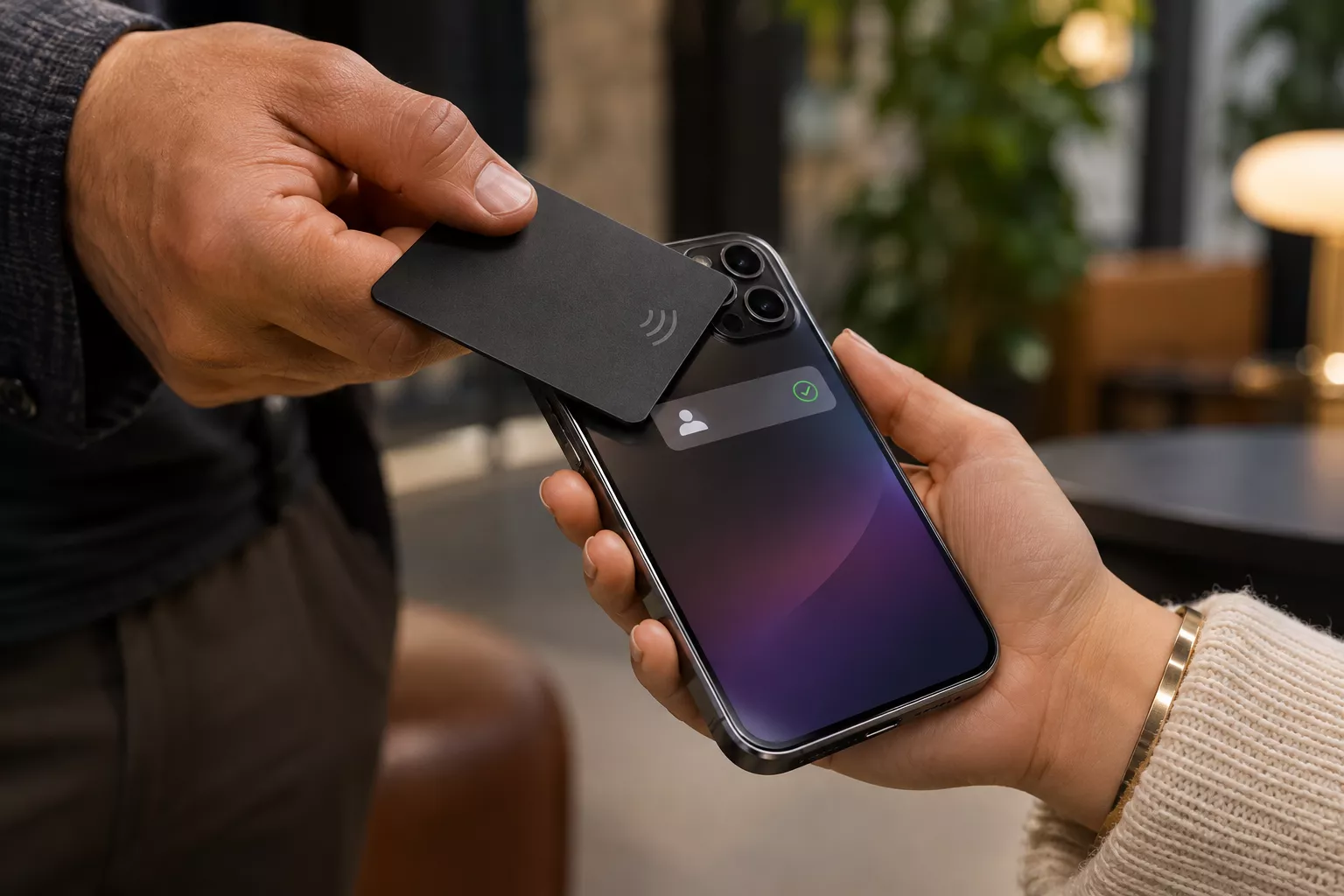
An NFC business card is a physical card with a passive wireless chip that transmits a URL when tapped against a smartphone. The phone reads the URL and opens your digital profile in its browser — no app install required. The entire exchange happens in under two seconds.
If you want a general overview of NFC cards — what they are, who uses them, and how they compare to paper — read What Is an NFC Business Card?. This guide goes deeper: the chip technology inside the card, how the phone reads it, what NDEF records are, material and construction differences, how to troubleshoot failed taps, and what to evaluate before buying.
How the Tap Actually Works
The technology behind an NFC business card tap is magnetic induction at 13.56 MHz — the same frequency used by contactless payments (Apple Pay, Google Wallet) and transit cards.
Here is the sequence in technical terms:
- The phone's NFC reader generates an alternating magnetic field. This field extends about 1–4 cm from the phone's NFC antenna.
- The card's antenna harvests energy from that field. The chip inside the card is passive — it has no battery. It draws the tiny amount of power it needs from the phone's magnetic field through electromagnetic induction.
- The chip wakes up and transmits its stored data. The data is a small payload — typically an NDEF (NFC Data Exchange Format) record containing a URL.
- The phone's NFC stack parses the NDEF record. The operating system recognizes the URL record type and triggers the appropriate action — usually displaying a notification or opening the browser.
- The recipient sees your digital profile. The URL loads your profile page with your name, photo, contact details, social links, and any other content you configured.
The entire process uses milliwatts of power and transfers a few hundred bytes. There is no pairing, no Bluetooth handshake, no Wi-Fi connection — just a magnetic field and a passive response.
What Is Stored on the Chip
This is where misconceptions start. An NFC business card chip does not store your full contact information. It stores a short URL — typically under 100 characters.
Your actual contact details — name, phone, email, photo, social links, bio — live on a web-based digital profile that the URL points to. This split is what makes NFC cards reusable: you update the profile, and the card keeps opening the same URL to the new content.
| Layer | What it stores | Size | Editable after card ships |
|---|---|---|---|
| NFC chip | A short HTTPS URL (e.g., kobexa.com/jane) |
20–100 bytes | Typically set once during provisioning |
| Digital profile | All contact details, links, bio, photo, themes | Unlimited (web page) | Yes — update anytime from your dashboard |
| Printed QR code | The same URL as a camera-scannable backup | Fixed on the card | Same destination; profile content updates |
Some older NFC products store a full vCard (name, phone, email) directly on the chip. The problem is that vCard data is static — if you change jobs or get a new number, the chip still transmits the old information. URL-based cards avoid this entirely.
NFC Chip Types Used in Business Cards
Most NFC business cards use chips from the NTAG family manufactured by NXP Semiconductors. These chips comply with the NFC Forum's Type 2 Tag specification and support NDEF — the standard format phones expect when reading tags.
| Chip | Memory | Writable Bytes | Typical Use |
|---|---|---|---|
| NTAG213 | 180 bytes (144 usable) | ~137 bytes | Short URLs — enough for most business card profiles |
| NTAG215 | 540 bytes (504 usable) | ~489 bytes | Longer URLs or URLs with parameters; the common sweet spot |
| NTAG216 | 924 bytes (888 usable) | ~872 bytes | Long URLs, vCards stored directly on chip, or multiple records |
For a business card that stores a single profile URL, even the NTAG213 has more than enough capacity. A URL like https://kobexa.com/janedoe uses about 30 bytes. The remaining capacity sits unused.
NTAG215 is the most common choice for business cards because it offers a comfortable margin for longer URLs without the cost premium of NTAG216.
All three chips share these properties:
- Passive — no battery; powered by the phone's NFC field
- Read/write capable — can be written to and locked
- Password protection available — prevents unauthorized rewriting
- Rated for 100,000+ read cycles — more than enough for years of daily use
- 10+ year data retention — the stored URL does not degrade over time
Card Materials and Construction
The chip and its antenna are embedded inside the card body. The material affects durability, feel, and cost.
PVC (Polyvinyl Chloride)
The most common material for NFC business cards. PVC cards use the same construction as credit cards and hotel key cards (CR80 format: 85.6 × 54 mm, 0.76 mm thick). They accept full-color printing, can be matte or gloss finished, and are durable enough for daily wallet carry.
Kobexa NFC cards are PVC with a matte finish, available in Black, Blue, Green, and Pink — see them in the shop.
Metal
Metal NFC cards exist in stainless steel, aluminum, and alloy variants. They feel premium and heavy. The trade-off is that metal can interfere with NFC signal propagation. Manufacturers work around this by using a cutout or inlay where the chip and antenna sit in a non-metallic pocket. Metal cards are typically 3–5x more expensive than PVC and heavier to carry.
Wood and Bamboo
Eco-friendly alternatives made from thin wood or bamboo veneers with the NFC chip sandwiched between layers. They offer a distinctive texture and look. Durability is lower than PVC — wood can warp with moisture or crack under sustained pressure in a back pocket.
Recycled / Biodegradable Materials
Some manufacturers produce NFC cards from recycled PVC, PLA (polylactic acid), or other biodegradable substrates. The NFC chip itself is not biodegradable, but the card body can be. These are newer to market and less widely available.
Material Comparison
| Material | Durability | NFC Reliability | Weight | Cost Range | Feel |
|---|---|---|---|---|---|
| PVC | High | Excellent — no signal interference | Light (5–6g) | $ | Smooth, professional |
| Metal | Very high | Good — requires antenna cutout design | Heavy (20–30g) | $$$$ | Premium, weighty |
| Wood / Bamboo | Moderate | Good — wood does not block NFC | Light–medium | $$ | Distinctive, organic |
| Recycled | Moderate–high | Good | Light | $$ | Varies by substrate |
For most professionals, PVC strikes the right balance of cost, durability, and signal reliability. Metal makes sense as a premium branding statement if you accept the weight and cost. Wood fits an eco-conscious brand but requires more careful handling.
iPhone vs. Android: How Each Handles NFC Taps
Both platforms support NFC business cards, but the user experience differs slightly.
iPhone
- iPhone XS / XR and newer read NFC tags automatically in the background when the screen is unlocked. The recipient sees a notification banner at the top of the screen and taps it to open Safari.
- iPhone 7, 8, and X can read NFC tags, but the user must manually open the NFC Tag Reader from Control Center first. This adds a step.
- iPhone 6 and older do not support NFC tag reading at all. Use the QR code fallback.
- Antenna location: top edge of the phone, near the front camera. Hold the card against the top back of the iPhone for the fastest read.
Android
- Most Android phones from 2018 onward read NFC tags when NFC is enabled in Settings. The phone typically opens the URL directly in the default browser or shows a confirmation prompt.
- NFC is on by default on most Samsung, Google Pixel, and OnePlus devices. Some manufacturers disable it by default to save battery — the user can enable it in Settings > Connected Devices or Settings > NFC.
- Antenna location varies. Samsung phones usually have the antenna in the center back. Pixel phones have it in the upper back. If a tap fails, try moving the card to a different spot on the phone's back.
Practical Compatibility
Most modern smartphones support NFC. The real-world gap is not hardware — it is user awareness. Some people do not know their phone can read NFC tags, or they have NFC disabled. This is why every NFC business card should also include a QR code as a fallback.
Troubleshooting Failed Taps
A tap that does not register is almost always caused by one of these five issues:
1. Phone Case Interference
Thick cases, metal cases, and wallet cases with card slots can block or weaken the NFC signal. The fix is to hold the card firmly against the phone (pressing through a thin case usually works) or briefly remove the case. MagSafe accessories on iPhones generally do not interfere.
2. Wrong Antenna Position
The card needs to be within 1–4 cm of the phone's NFC antenna. On iPhones, the antenna is near the top. On most Android phones, it is in the center or upper back. If the card is held against the bottom of the phone, it may not register. Move the card slowly across the back of the phone until it triggers.
3. NFC Disabled on Android
Some Android devices have NFC turned off. The recipient can enable it in Settings > Connected Devices > NFC (the exact path varies by manufacturer). This is less common on recent flagships, which ship with NFC on by default.
4. Older iPhone Without Background Reading
iPhone 7, 8, and X require the NFC Tag Reader in Control Center. If the recipient has one of these models, ask them to open Control Center and tap the NFC icon before you hold the card near their phone.
5. Chip or Card Damage
While NFC chips are rated for 100,000+ reads and 10+ years, a card that has been physically snapped, heavily creased across the antenna, or exposed to extreme heat (above 70°C / 158°F) may fail. If a card that previously worked stops reading on multiple phones, the chip or antenna connection may be damaged.
If all five checks pass and the tap still fails, fall back to the QR code. That is exactly why dual NFC + QR cards exist.
What to Look For When Buying an NFC Business Card
Chip-to-Profile Link
The chip should point to an editable digital profile, not a static vCard. This means you can update your information without needing a new card. Ask the vendor: "Can I change my contact details after the card is shipped?"
QR Code Included
A printed QR code on the back of the card acts as a universal fallback for phones without NFC or users unfamiliar with tapping. Cards without a QR code leave you without a backup in those situations.
Profile Analytics
If the card links to a digital profile platform, check whether the platform provides analytics — profile views, link clicks, visitor locations. Without analytics, you have no way to measure whether the card is generating engagement.
Platform Independence
Some NFC cards are locked to a specific platform. If you cancel your account or the platform shuts down, the card stops working because the URL it points to goes dead. Look for platforms that use a permanent, accessible URL structure and that let you export your contacts.
Card Quality and Finish
Check the card thickness (standard is 0.76 mm / CR80), printing quality, and whether the finish is matte or gloss. Matte finishes resist fingerprints better and look cleaner over time. Glossy finishes can show scratches and smudges.
Limitations and Edge Cases
Internet required at scan time. The NFC chip sends a URL, so the recipient's phone needs an internet connection to load the profile page. The URL is still captured even offline — the page loads when connectivity returns. But the first impression happens live, and a loading spinner is not a great one.
Not a standalone contact exchange. An NFC card opens a profile page. The recipient still needs to choose to save your contact from that page. It is not an automatic contact injection — that would raise serious privacy and security concerns.
Contactless payment confusion. Some recipients hold the card near their phone and expect a payment prompt because NFC is associated with Apple Pay and Google Wallet. Briefly explaining "this opens my contact page" before the tap prevents confusion.
Signal blocked by wallets. If the card is inside a wallet with other NFC cards (credit cards, transit passes), the phone may read the wrong card or fail to read any. Present the NFC business card on its own, out of the wallet.
Chip cannot be updated remotely. The chip's stored URL is set during manufacturing or provisioning. If you need to change the URL itself (not the page content — the actual URL), you would need a new card or to physically rewrite the chip with an NFC writing app. This is rare if the URL points to a permanent profile page.
How to Get Started
- Create your digital profile at kobexa.com/signup — add your photo, contact details, links, and bio. The profile is free.
- Order your NFC card from the shop — PVC, matte finish, NFC + QR on every card. Available in Black, Blue, Green, and Pink with free U.S. shipping.
- Test the tap on an iPhone and an Android phone before your next event.
- Keep the profile updated. The card stays the same; the page behind it should reflect your current role, links, and contact details.
Frequently Asked Questions
How does an NFC business card work without a battery?
The chip inside the card is passive — it has no battery or power source. When you hold the card near a phone, the phone's NFC reader generates a magnetic field at 13.56 MHz. The card's antenna harvests enough energy from that field to power the chip for the fraction of a second it needs to transmit its stored URL. This is the same principle used in contactless credit cards and transit passes.
What is the difference between an NFC business card and a regular NFC tag?
Functionally, they use the same technology — both are passive NFC tags that store a small data payload. The difference is form factor and purpose. An NFC business card is a credit-card-sized PVC, metal, or wood card designed for professional networking, often with printed branding and a QR code on the back. A generic NFC tag is typically a small sticker or keychain sold in bulk for general automation tasks. The chip inside may be identical (NTAG213 or NTAG215), but business cards are finished products ready for client-facing use.
Can I reprogram my NFC business card to point to a different URL?
It depends on whether the card is write-locked. Some vendors lock the chip during manufacturing to prevent unauthorized changes — this also prevents you from changing it. Others leave the chip writable, which means you can use a free NFC writing app (like NFC Tools on iOS or Android) to overwrite the URL. Before purchasing, ask the vendor whether the chip is locked or writable. With Kobexa cards, you rarely need to change the URL because the profile behind it is fully editable.
Do NFC business cards work with phone cases on?
Most standard cases — silicone, TPU, thin plastic — do not block NFC. Metal cases and thick wallet cases with card slots can weaken or block the signal. If a tap fails through a case, try holding the card firmly against the thinnest part of the case, or ask the recipient to briefly remove it. MagSafe accessories on iPhones generally do not interfere with NFC reading.
How long does an NFC business card last?
The NFC chip is rated for 100,000+ read cycles and 10+ years of data retention. The card's physical lifespan depends on the material: PVC cards last years with normal wallet wear, metal cards last longer. The practical limit is usually the platform — if the company behind the profile URL goes offline, the card still transmits the URL, but the page no longer loads.
Is NFC business card data secure?
NFC communication only works within a few centimeters, making remote interception practically impossible. The tap transmits a public URL — your digital profile — which contains only information you chose to publish. No data is transferred from the recipient's phone to your card. The interaction is one-directional: card to phone. There is no pairing, no data exchange, and no way for the card to access the phone's contacts, location, or other data.
Can I use one NFC business card for multiple profiles?
No. Each NFC chip stores one URL. If you need separate profiles for different roles — say, a corporate identity and a freelance identity — you would need two cards, each linked to its own profile. Some people carry two cards in different colors to distinguish them. Alternatively, you can create one profile that includes links relevant to both roles.
An NFC business card is a simple piece of hardware — a passive chip, an antenna, and a short URL — that makes sharing your professional profile as fast as tapping a phone. The technology is mature, phone compatibility is near-universal, and the profile behind the tap can change whenever you need it to.
Ready to upgrade your networking?
Get your NFC business card from Kobexa
Tap to share your profile instantly — no app required. Pair it with a QR fallback and keep your details updatable forever.
Shop Now